Checklists that ship IT work safely
A practical, engineer-written library of IT checklists — production readiness, security reviews, cloud migrations, incident response, and more. Open one, tick the boxes, ship with confidence.
MIT licensed. Every checklist is plain Markdown — fork it, adapt it, bring it into your own runbooks.
Built for the work, not for the shelf
Compliance checklists rot in wikis. These are written to be opened during the change window, worked through top to bottom, and closed out with an owner against every line.
Progress that sticks
Every box is clickable and your progress is saved in your browser. Close the tab mid-review, come back, and pick up exactly where you left off.
Written for real changes
Each item states what to verify and why it matters — not a vague noun phrase. Blocking items are called out so you know what actually stops a release.
Scoped by role
Grouped by discipline — security, delivery, cloud, SRE, data, networking, compliance, and service management — so you land on the right list fast.
Search across everything
Full-text offline search over the whole library. Hit Ctrl + / and jump straight to the item you half-remember.
Sign-off built in
Every checklist ends with an owner-and-date sign-off table you can paste into a change ticket, PR description, or audit trail.
Fork and adapt
Plain Markdown in a public Git repo. Copy a list into your own docs, cut what does not apply, and add the three things unique to your stack.
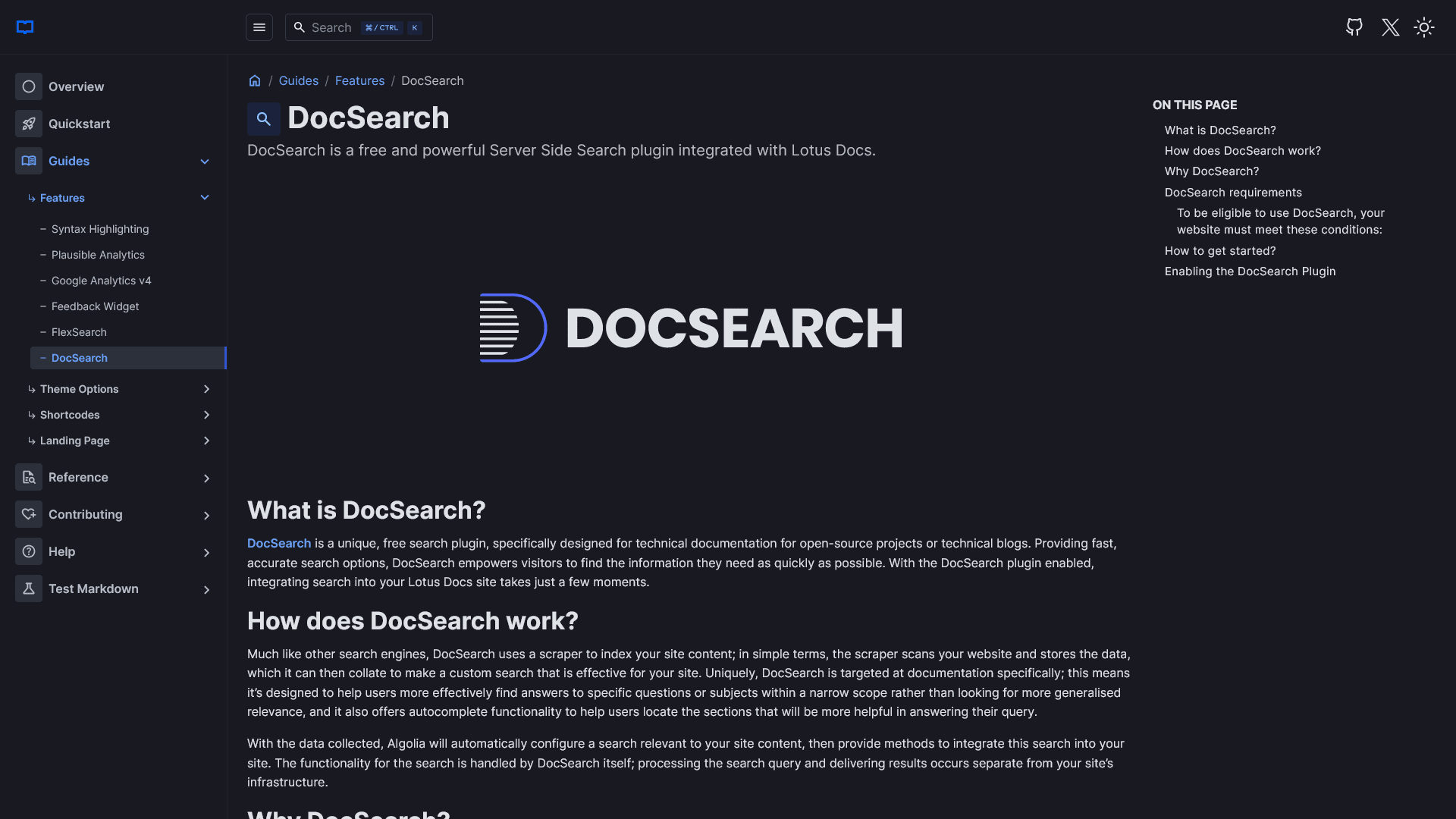
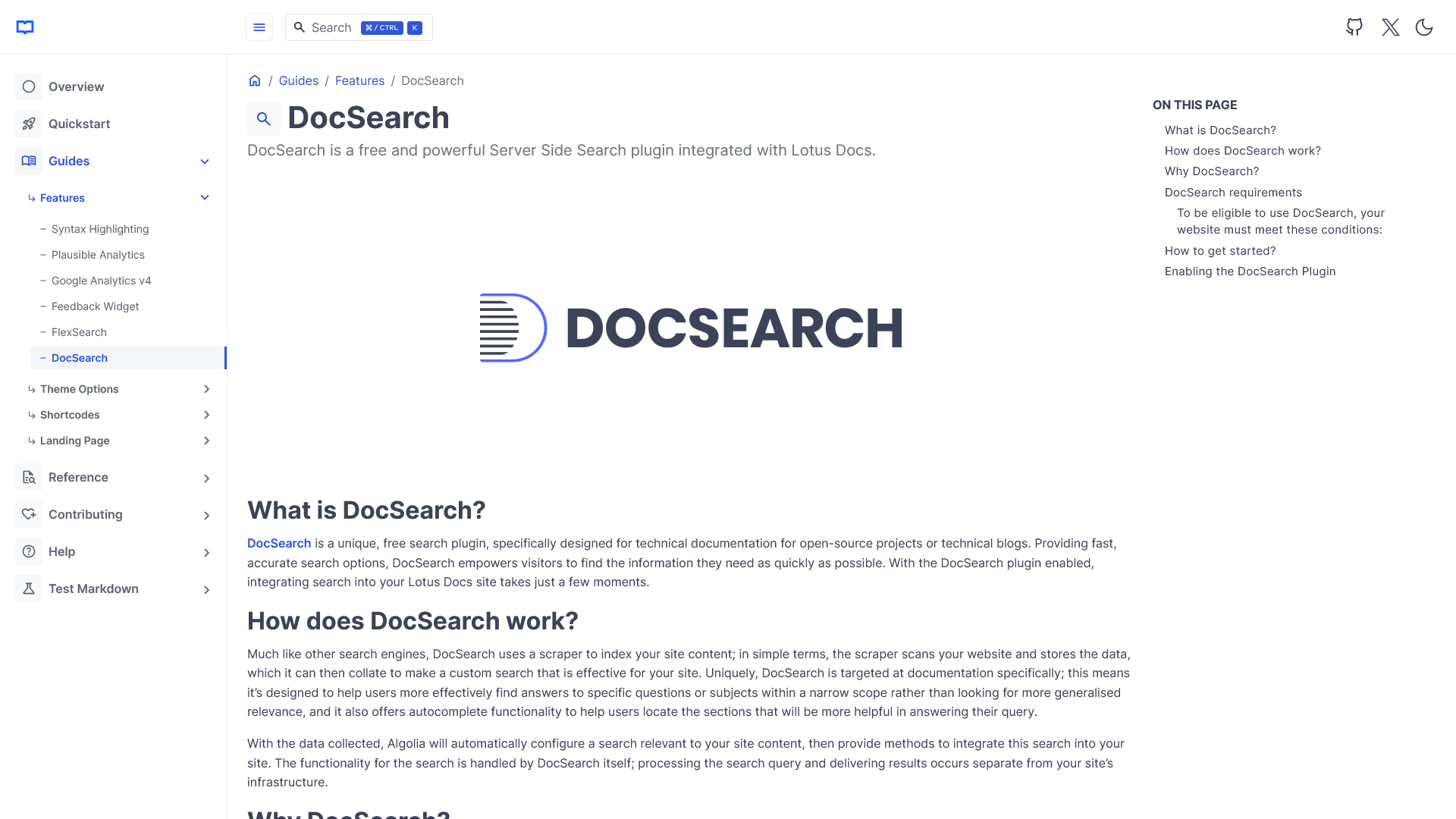
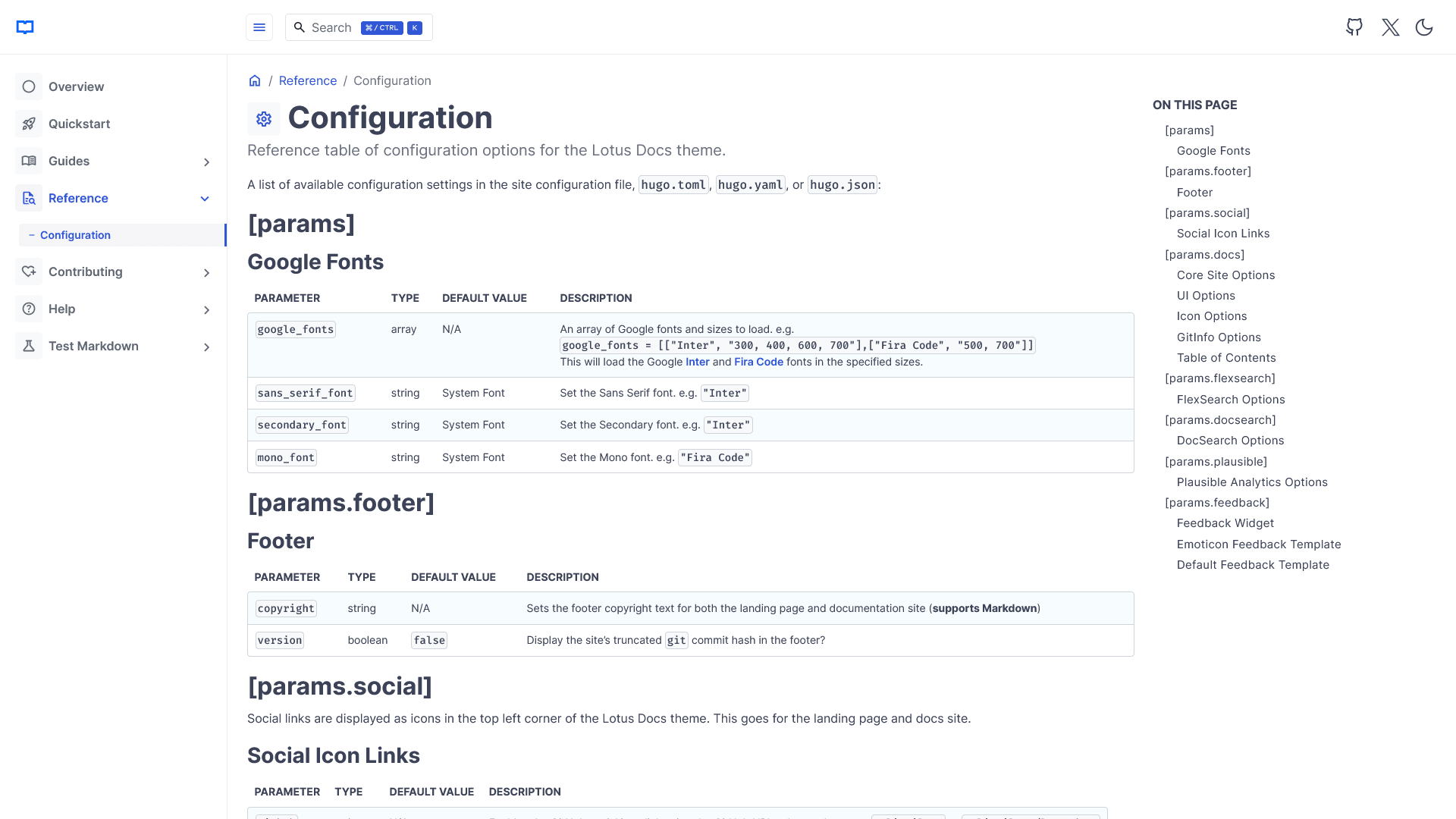
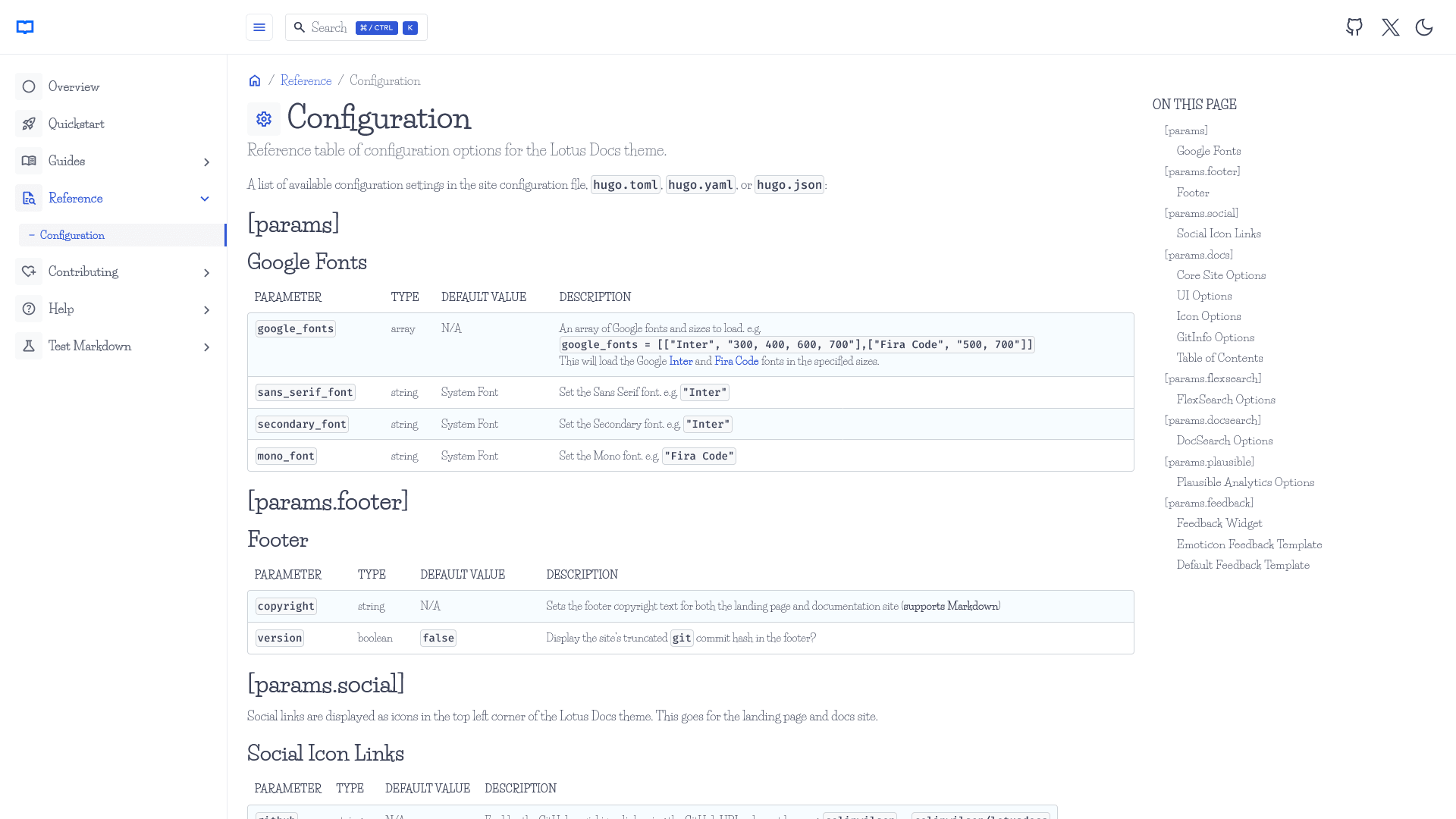
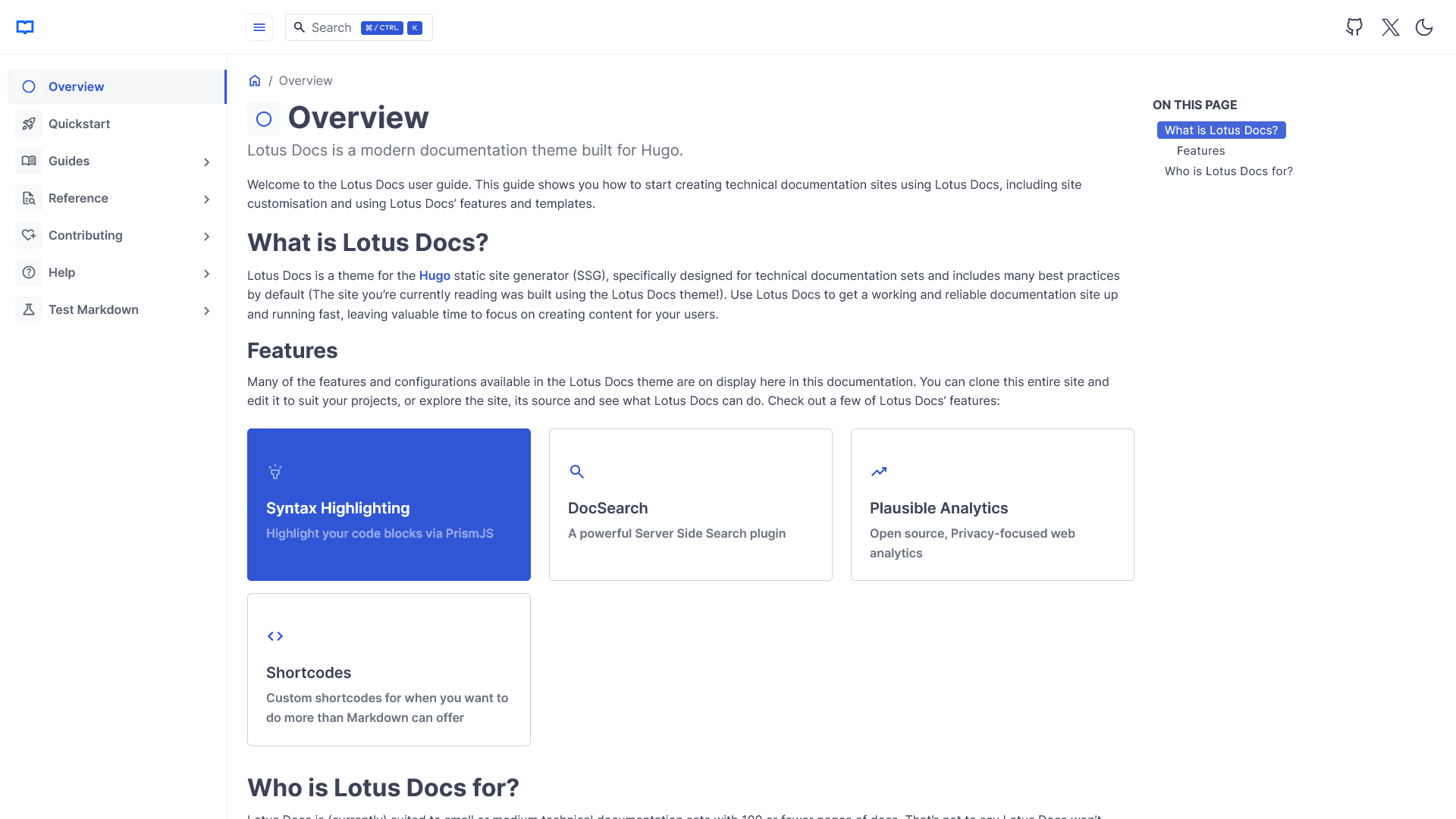
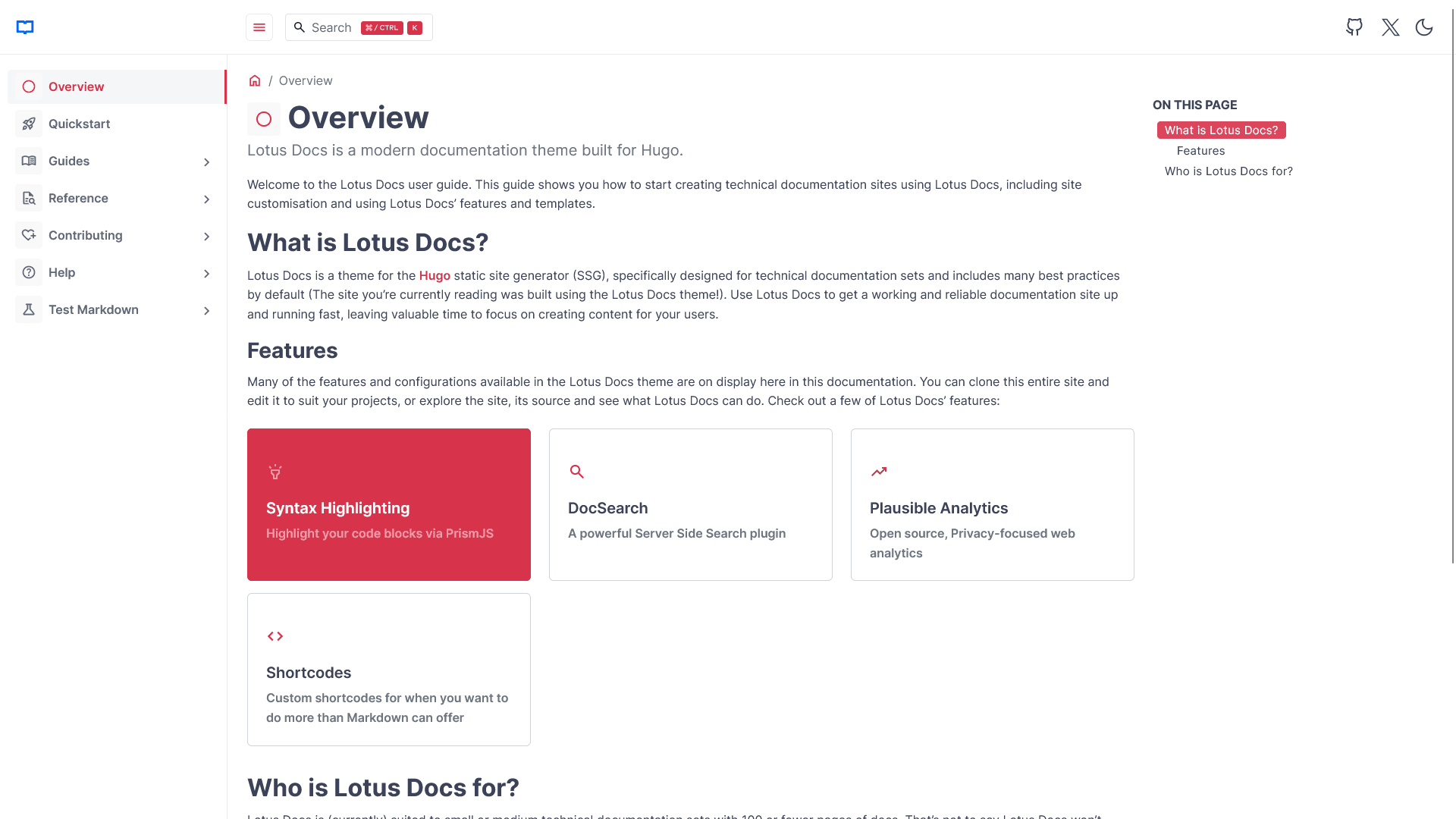
Customise The Lotus Docs Appearance
Much of Lotus Docs’ appearance can be customised. Dark mode is optional (enabled by default) and you can choose a Google font that suites you via the config parameters.